
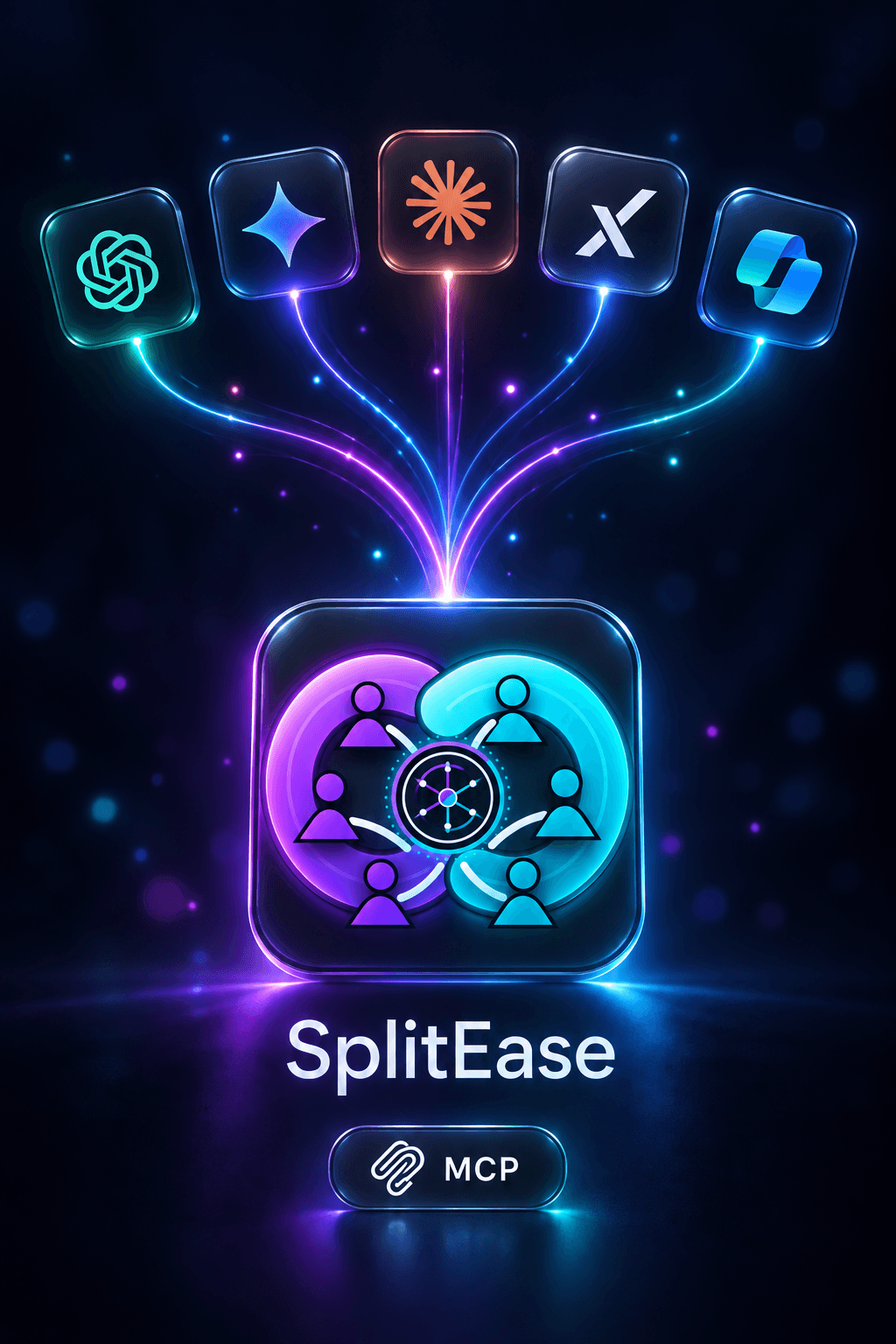
Your AI assistant can already draft emails and summarize documents. With the SplitEase MCP server it can also run your shared money: create a trip group, add last night's dinner, check who owes whom and even start a settlement, all from a normal chat.
The whole setup is one link. Add https://api.split.elitecrew.online/mcp as a connector, sign in with your usual SplitEase account, and your assistant is connected. No tokens to copy, no developer console, no code.
What is the SplitEase MCP server?
MCP stands for Model Context Protocol, an open standard that lets AI apps use outside tools safely. SplitEase publishes a remote MCP server at https://api.split.elitecrew.online/mcp. It exposes 29 tools that cover accounts, groups, expenses, balances, settlements, invites and monthly bills.
Unlike a read-only integration, the server can take real actions. Every write goes through the same controllers as the SplitEase web and mobile apps, so validation, permissions and live updates behave exactly the same. A bill added from your assistant appears in the app within moments.
Connect in four steps
- Copy the link: https://api.split.elitecrew.online/mcp (you can also copy it with one click from splitease.tech/mcp).
- Add it as a custom connector in Claude, ChatGPT or Cursor. For Gemini CLI, run: gemini mcp add --transport http splitease https://api.split.elitecrew.online/mcp
- Your assistant opens the normal SplitEase login page with a banner showing which app is connecting. Sign in or sign up with Google or email.
- You are sent straight back and the connector shows as connected. Try a prompt such as: 'Show my balance across all groups.'
What you can ask once connected
Because the tools understand names, you can talk the way you would to a friend. 'Goa' finds your 'Goa Trip' group, and people can be referenced by name, email or simply 'me'. When a name is ambiguous the tool returns the candidates instead of guessing.
- Groups: create a group, add or remove members, share an invite link, complete or leave a group.
- Expenses: add a bill with the group's split, list recent expenses, open one expense in detail.
- Balances: see who owes whom, get a per-group summary and spending insights across all groups.
- Settling: propose a payment, review pending settlements and confirm or reject them.
- Monthly bills: add, change or remove recurring bills such as rent and WiFi.
Built for safe AI access
Sign-in uses OAuth 2.1 with PKCE, short-lived access tokens, rotating refresh tokens and revocation, so your password never reaches the AI app. Every tool is annotated as read-only or destructive so clients can warn you before risky actions.
Guard rails protect against mistakes. A duplicate guard stops a retried request from adding the same bill twice, and deleting a group requires typing the group's exact name as confirmation. You can disconnect all AI apps at any time from your account.
Example prompts to try today
- 'Create a group called Manali Trip with Aman and Priya.'
- 'Add 2400 for dinner, paid by me, split with everyone.'
- 'Who owes me money right now?'
- 'Add 18000 monthly rent to the flat group.'
- 'How much did we spend on food on the trip?'
Start now
Open splitease.tech/mcp for the live connection page, or paste https://api.split.elitecrew.online/mcp straight into your assistant. It is free, secure and takes about a minute.
Frequently asked questions
What is the SplitEase MCP server link?
The live link is https://api.split.elitecrew.online/mcp. Add it as a custom connector in Claude, ChatGPT or Cursor, or use it with the Gemini CLI.
Is it safe to let an AI assistant manage my expenses?
Yes. Sign-in uses OAuth 2.1 with PKCE and your password is never shared with the AI app. Destructive tools are flagged, duplicate requests are blocked and deleting a group needs the exact group name.
Does it cost anything?
No. The MCP server uses your normal free SplitEase account.
Which AI apps work with the SplitEase MCP server?
Any client that supports remote MCP servers, including Claude, ChatGPT, Gemini CLI and Cursor.
Put this into practice in 2 minutes
Create a free SplitEase group, invite your people, and let the app handle the math from the very first expense.
Start splitting free